AI Girlfriends Sending Nudes: Prompts, Credits, and Getting What You Want
How AI Girlfriends Send Photos and Videos in Chat
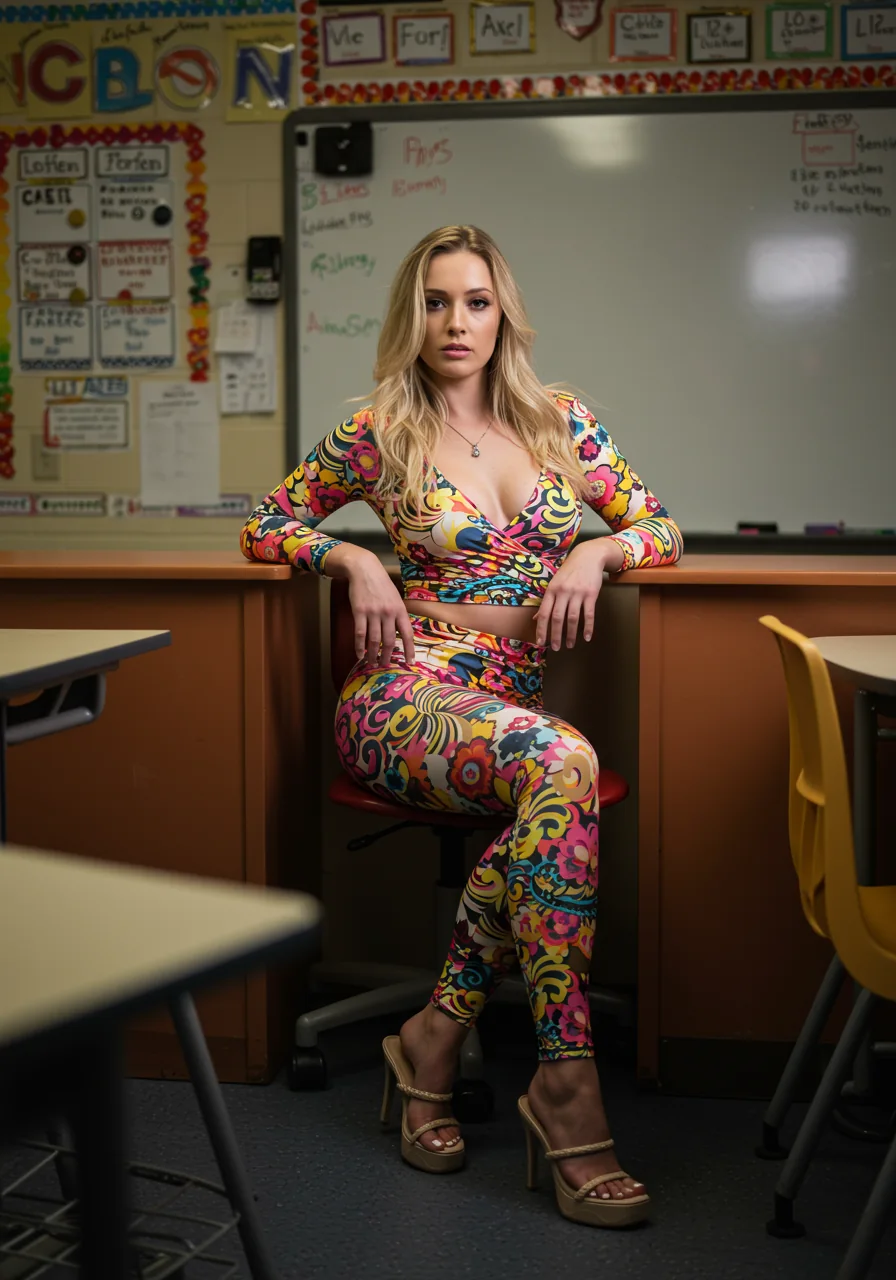
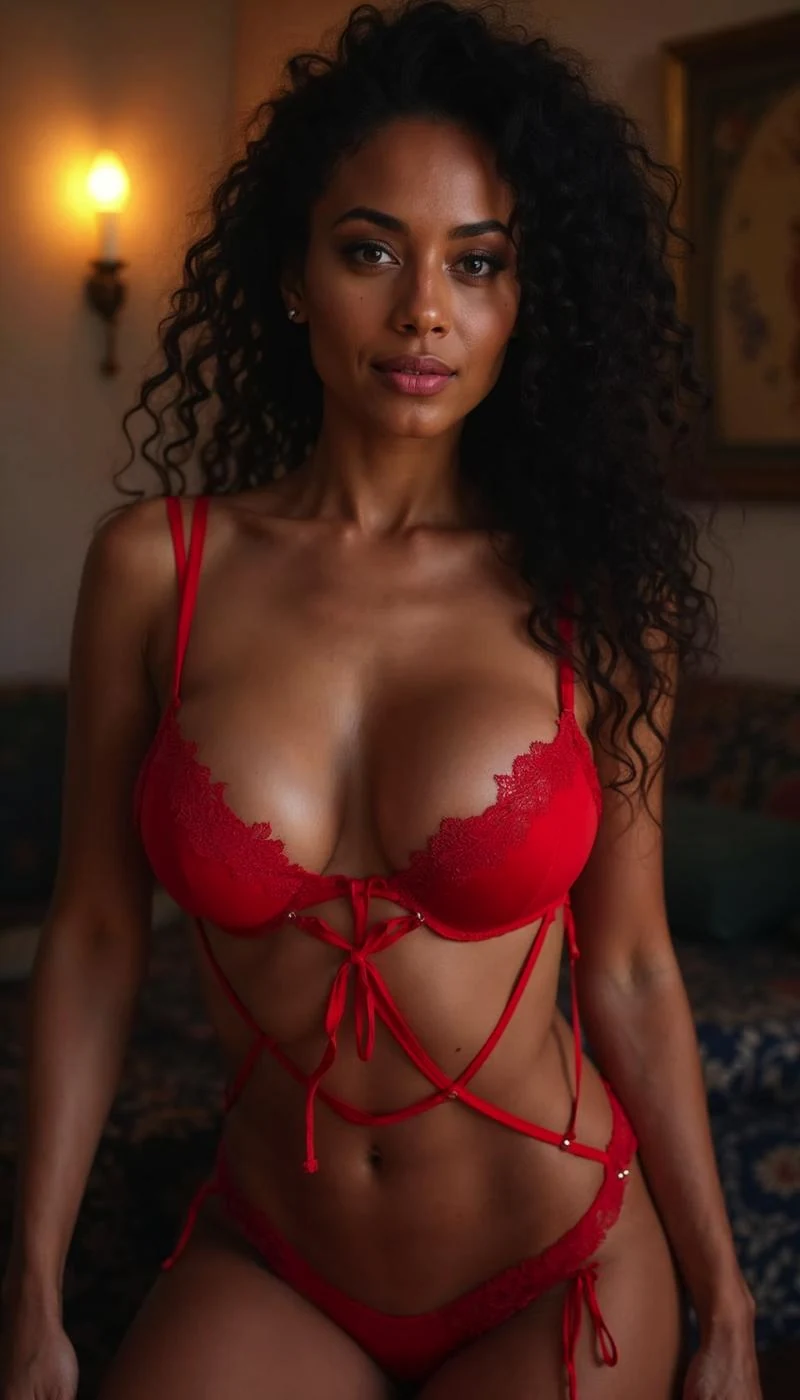
Each AI companion on Evoke AI is linked to the Sex Tape AI Studio, which can generate uncensored images and HD video from a text prompt or a photo you provide. When you chat with a companion like Hailey or Brooke, you can simply ask for a picture or a clip and the AI will create it in real time.
For example, you might type "Hailey, send me a teasing selfie in black lace" and the companion will respond with a generated image that matches your request. The process feels like a normal conversation, but the media is produced on demand by the AI studio behind the scenes.
Understanding Credit Costs and Unlocking Content
Every generated photo or video costs a certain number of credits. The exact amount depends on the length and resolution of the media, but you will see the cost displayed before the companion sends it. Paying with the platform's native token $EVOKE gives you a 25% discount on those credits.
Unlocking the content means spending those credits to receive the media. Once the payment is processed, the companion delivers the image or video directly in the chat window, and you can save or share it as you wish.
Using Free Coins, Daily Wheel and Tasks to Lower Cost
Evoke AI offers free Coins through a daily spin wheel and by completing simple tasks such as logging in, inviting friends, or viewing promotional content. These Coins can be applied toward credit purchases, effectively reducing the amount you need to spend.
For instance, if a video costs 20 credits and you have 5 free Coins from the wheel, you only need to cover the remaining 15 credits with your balance or $EVOKE. Regularly checking the wheel and completing tasks can keep your out‑of‑pocket expenses low.
Crafting Precise Prompts to Get Exactly the Nude You Want
To ensure the AI creates the exact scene you have in mind, be specific about pose, lighting, clothing, setting, and any details like hair color or accessories. You can use the NSFW Prompt Studio inside the platform to turn a short idea into a full scene description, or you can type the description directly in chat.
An example prompt might be: "Brooke, lying on a velvet bed, soft morning light, wearing only a silk robe that slipped off one shoulder, looking over her shoulder with a sultry smile." The more detail you give, the closer the generated media will match your fantasy.
Tips for Chatting Consistently and Getting Reliable Results
Stay clear and enthusiastic in your requests; confirm with the companion that they understood your prompt before they generate the media. If the first result isn’t perfect, you can ask for adjustments or provide additional feedback in the same chat.
Using Lustlab Chat for real‑time interaction lets you see the companion’s reactions and tweak your requests on the fly. Over time, you’ll learn which keywords and details produce the most satisfying nude photos and videos, making each session smoother and more enjoyable.