Make an AI Porn Telegram Bot With an Uncensored API
Onion Address: evokeq7arvd7tmguz2y2aovgy4ar5pwi2ncrfxb3n63r2vxmbzo5plad.onion Tor Browser
Telegram bots are a powerful way to deliver AI porn directly to users in a private chat. With the Evoke AI API, you can build a bot that generates uncensored pictures and videos on demand, or even creates an AI girlfriend experience. This guide walks through the steps to set up a bot, integrate the API, and handle NSFW content safely.
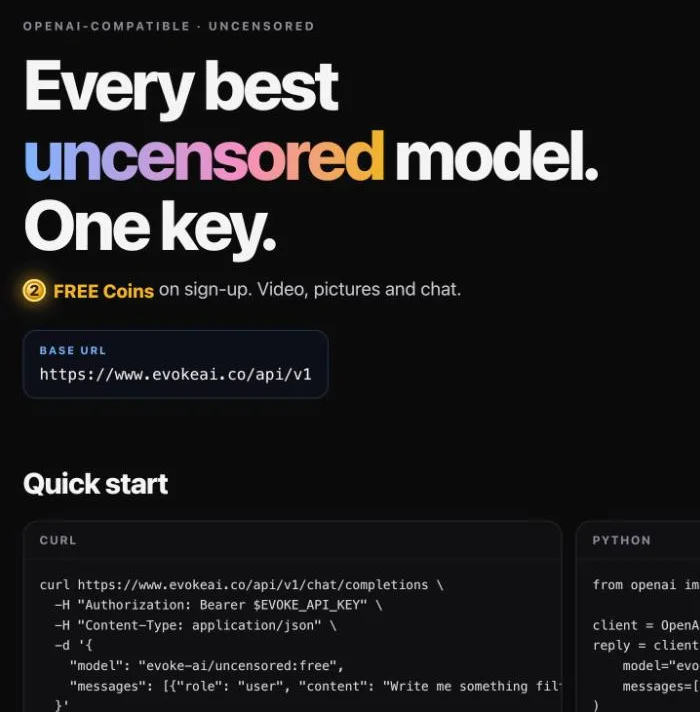
The Evoke AI API is OpenAI-compatible, making it straightforward to adapt existing bot code. You’ll need a Telegram bot token from BotFather and an Evoke API key (starting with evk). The API supports both chat models for roleplay and image/video generation for visual content. Prices are in Coins, the same as the Evoke site, with free Coins available on sign-up.
This guide assumes basic familiarity with Python and the python-telegram-bot library. We’ll cover key use cases: a bot that generates erotic pictures from text prompts, a companion that roleplays and sends clips, and a video remix tool. All examples keep content fictional and consensual, as per Evoke’s rules.
Make an AI Porn Telegram Bot With an Uncensored API: the short list
| Tool | Makes | Style | Free tier | Best for |
|---|---|---|---|---|
| Evoke AI | API, Chat, Pictures, Video | Realistic, anime, hentai | Free Coins on sign-up + daily wheel | One OpenAI-compatible API for uncensored text, pictures and video. |
| CrushOn AI | Chat, Pictures | Mostly anime | Daily free messages | Unfiltered roleplay with anime characters |
| HeraHaven | Chat, Pictures | Realistic | Limited | Story-style girlfriend chat |
| OurDream AI | Chat, Pictures, Video, Voice | Realistic and anime | A handful of messages per character | Long roleplay with pictures and short clips |
| JanitorAI | Chat | Text roleplay | Free (bring your own model key for more) | Roleplay power users |
| Character.AI | Chat, Voice | Text roleplay | Free | SFW roleplay only |
| Promptchan | Pictures, Video, Chat | Realistic, anime, hentai | Daily free gems | Prompt-based pictures in many styles |
| Nectar AI | Chat, Pictures | Realistic and anime | Limited | Custom companions |
| GirlfriendGPT | Chat, Pictures, Voice | Realistic and anime | Limited | Scenario roleplay from the community |
Setting Up Your Telegram Bot
Start by creating a new bot with Telegram’s BotFather. Send /newbot, choose a name (like 'NSFWAICompanion'), and get your token. Install python-telegram-bot with pip install python-telegram-bot==20.0. For the Evoke API, sign up at evokeai.co/developers to get your key. Store both keys securely, never hardcoding them.
A basic bot skeleton handles /start and /help commands. Add handlers for text messages to process user prompts. Use the ApplicationBuilder to set up the bot with your token. For NSFW content, enable privacy mode in BotFather so the bot only sees messages starting with / or @ its username, avoiding public group mishaps.
To check the API is working, test a simple request to the Evoke chat endpoint with model evoke-ai/uncensored:free. Ask it to write a flirty message. The response should be unfiltered. If you hit rate limits, add a queue system or Coin balance check before processing.
Generating AI Porn Pictures in Chat
For image generation, use POST /images/generations with model evoke-ai/seedream-4 or evoke-ai/grok-image. A basic prompt might describe a sensual scene, like 'a confident woman in lingerie lounging on a velvet couch, biting her lip'. Set steps to 28 for detail, and cfgscale to 7 for creativity without distortion.
When a user sends 'pic: two lovers in a steamy shower', the bot extracts the prompt after 'pic:', calls the API, and sends the result. Seedream costs 0.5 Coins per image. For privacy, the bot should delete prompts after a time or offer an incognito mode that doesn’t log them.
Advanced features include letting users pick styles (realistic, anime) or save favorites. Store user preferences in a simple database. For safety, add a /nsfw toggle so users must opt in, and a /report command to flag any unwanted content, though Evoke’s models avoid extreme outputs.
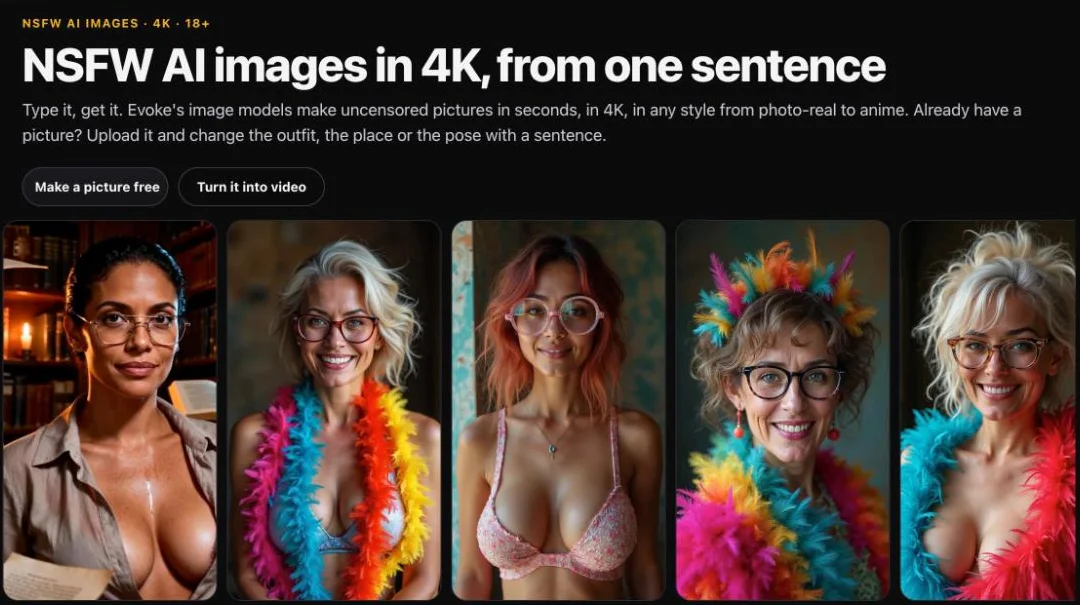 AI Porn ImagesPhotoreal or anime nudes in seconds, 0.5 Coins a picture.Seedream for 4K detail, Grok Imagine for speedUpload your own pictures to editAny body, any setting, adults onlyOpen →
from openai import OpenAI

client = OpenAI(base_url="https://www.evokeai.co/api/v1", api_key="evk_...")
reply = client.chat.completions.create(
    model="evoke-ai/euryale-70b",
    messages=[
        {"role": "system", "content": "You are Mara, 28, flirty and explicit. Everyone in the story is an adult."},
        {"role": "user", "content": "Pick up where we left off last night."},
    ],
)
print(reply.choices[0].message.content)
Adding AI Girlfriend Roleplay
Combine chat and pictures for a companion experience. Use evoke-ai/mythomax-13b for nuanced roleplay. When a user says 'good morning', the bot can respond with affectionate text and a generated selfie of their AI partner in bed, using a cached prompt like 'sleepy smile, tousled hair, bare shoulders'.
For longer scenes, the NSFW Prompt Studio API can expand a user’s one-line idea into a full erotic story. The bot might ask 'What’s your fantasy tonight?' and send back a steamy narrative in parts, with generated images at key moments. Pace replies naturally, with typing indicators.
Track conversation history in memory for continuity, but avoid permanent logs. Let users reset with /newchat. For Coin efficiency, pre-generate common responses or offer a subscription for unlimited chats. Voice notes can be added with third-party TTS APIs for extra immersion.
Sending AI Porn Clips on Demand
Video generation uses POST /videos/generations. Wan 3.0 Spicy (6-16 Coins) creates high-quality clips up to 30 seconds, like 'a slow striptease to reveal a lace bodysuit'. For faster results, Evoke HD (3-6 Coins) makes shorter clips. Always specify duration and resolution in the API call.
A /video command can take prompts like 'dancing in the rain, sheer dress clinging'. The bot estimates the cost first, confirming with the user. For consistency, use reference mode with a Seedream image as the first frame. Remix previous clips by passing their ID to create sequels.
Compress videos for Telegram’s 50MB limit. Add watermarks if distributing publicly. For subscriptions, offer a weekly 'private show' with a custom clip. Bandwidth-heavy? Cache popular requests or set a cooldown between videos.




Handling Payments and Limits
Evoke API calls deduct Coins from your account. Track user balances if offering free tiers. For payments, use Telegram’s payment system or crypto via Evoke’s supported options (BTC, USDT, ETH, $EVOKE). A $5 top-up might buy 50 Coins, enough for 10 images or 3 HD videos.
Set fair limits: 5 free images/day, then a subscription. Warn users before large requests, like 4K video. For abuse prevention, rate-limit by chat ID. Use the free daily wheel Coins as bonuses for engagement.
Monitor costs with the Evoke API’s usage endpoints. Optimize by batching requests or using lower-cost models for less critical replies. Offer a /balance command so users check their remaining Coins.
Privacy and Safety Best Practices
Since Evoke doesn’t store creations, your bot shouldn’t either beyond temporary caches. Make this clear in your /help. Add a blocklist for banned users and auto-delete old messages. For anonymity, offer a Tor onion version of your bot.
Comply with Telegram’s rules by not displaying NSFW content in previews. Send media as files, not links. State clearly that all characters are fictional adults. Avoid public groups unless strictly moderated.
Test edge cases: gibberish prompts, overlong text, or banned keywords (which Evoke filters). Have a /report for bugs. Consider a disclaimer at start: 'This bot generates adult content for consenting users. All characters are 18+.'
Advanced: Remixing User Photos
For creators, add a /remix command that edits user-uploaded photos. Seedream allows 10 edits per image, like 'make this lingerie sheer' or 'add candlelight'. The bot should verify ownership first, perhaps with a code word on paper in the pic.
Process images securely: downscale before sending to the API, strip metadata, and don’t store originals. Offer artistic styles like 'vintage pinup' or 'cyberpunk neon'. Charge a premium for this personal service.
For safety, reject any faces resembling real people. Blur identifiable backgrounds automatically. Partner with Evoke’s Lustlab Chat for user feedback on new features, keeping development transparent.
The other tools, one by one
2. CrushOn AI: Unfiltered roleplay with anime characters
Roleplay chat with community-made characters and a choice of models. What it makes: chat, pictures. Style: mostly anime. Free tier: daily free messages.
CrushOn AI is best for unfiltered anime roleplay, with a library of community characters. The free tier allows testing, but heavy users need paid messages. Limited to chat and static images, lacking Evoke’s video options.
3. HeraHaven: Story-style girlfriend chat
Companion app with narrative chat and pictures. What it makes: chat, pictures. Style: realistic. Free tier: limited.
HeraHaven suits those wanting a realistic AI girlfriend with narrative depth. The focus on story over visuals means fewer media options, and the free tier is very limited. Better for emotional connection than kink exploration.
4. OurDream AI: Long roleplay with pictures and short clips
Chat, pictures, short videos and voice tied to one character, paid with coins. What it makes: chat, pictures, video, voice. Style: realistic and anime. Free tier: a handful of messages per character.
OurDream AI combines chat, pictures, and short videos in one character. Good for long roleplay sessions, but coins deplete fast with media. Less flexible than Evoke’s API for custom bots, with stricter content filters.
5. JanitorAI: Roleplay power users
Community character site; you can connect your own model through an API key. What it makes: chat. Style: text roleplay. Free tier: free (bring your own model key for more).
JanitorAI is a power user’s playground for text roleplay, needing your own API key. No built-in media, but unparalleled character customization. Use with Evoke’s API for NSFW chat, though setup is more technical.
6. Character.AI: SFW roleplay only
Huge character library, but it filters sexual content. What it makes: chat, voice. Style: text roleplay. Free tier: free.
Character.AI has a massive SFW character library, but filters block adult content. Only for vanilla roleplay. The free voice feature is unique, but not worth it for NSFW bot builders.
7. Promptchan: Prompt-based pictures in many styles
A long-running NSFW picture generator with many styles, a community gallery and short clips on paid plans. What it makes: pictures, video, chat. Style: realistic, anime, hentai. Free tier: daily free gems.
Promptchan offers diverse picture styles and a community gallery, with some video. Daily free gems help test prompts. Less consistent than Evoke’s models, and no chat API for companion bots.
8. Nectar AI: Custom companions
Companion builder with chat and pictures. What it makes: chat, pictures. Style: realistic and anime. Free tier: limited.
Nectar AI focuses on custom companion building with chat and pictures. The realistic and anime options are polished, but lack video. Fewer kink-friendly prompts than Evoke’s uncensored models.
9. GirlfriendGPT: Scenario roleplay from the community
Chat with user-made characters and scenarios, with pictures in chat. What it makes: chat, pictures, voice. Style: realistic and anime. Free tier: limited.
GirlfriendGPT excels in scenario roleplay with pictures in chat. Voice adds immersion, but video is missing. Community characters vary in quality. A middle ground between CrushOn and Evoke’s flexibility.
Frequently asked questions
Is this legal?
Yes, if all content is fictional and for adults. Evoke bans real people or non-consent. Check your local laws on AI porn. Telegram allows adult bots in private chats if they don’t violate its terms.
How much does it cost to run?
Evoke charges 0.5 Coins per image, 3-16 per video. A small bot might use 100 Coins/day ($10). Pass costs to users or offset with ads. The python-telegram-bot library is free.
Can I make an OnlyFans bot?
Yes, for generating promo content or subscriber perks. Use Evoke’s API to create custom media for fans. Add tipping and paywalls. Avoid real person likenesses.
What’s the hardest part?
Handling video bandwidth and Coin balances. Compress clips well. Start with images only. Use a queue system to avoid rate limits or empty wallets mid-video.
Can I use other APIs with Evoke?
Yes, like adding voice with ElevenLabs. Combine Evoke’s media with JanitorAI’s roleplay. Balance costs across services. Evoke’s uncensored models are the key for NSFW.
How do I get users?
Share your bot in adult forums with a clear description. Offer free trials. Partner with Lustlab Chat for feedback. Avoid spam. Telegram’s discovery is limited for NSFW.
Any pre-built bots?
Evoke doesn’t provide bot code, but open-source examples exist. Start simple: /pic and /chat commands. Scale as you learn. We’ll publish a template soon.
What if my bot is banned?
Telegram bans are rare for private bots. Have a backup domain. Use the Tor version for resilience. Follow their rules: no public NSFW, no spam, no illegal content.
Evoke AI publishes this blog, and its own tools are listed first. Other tools are described from their public sites as of November 2026; check their sites for current prices. Everyone shown is a fictional adult made with AI.
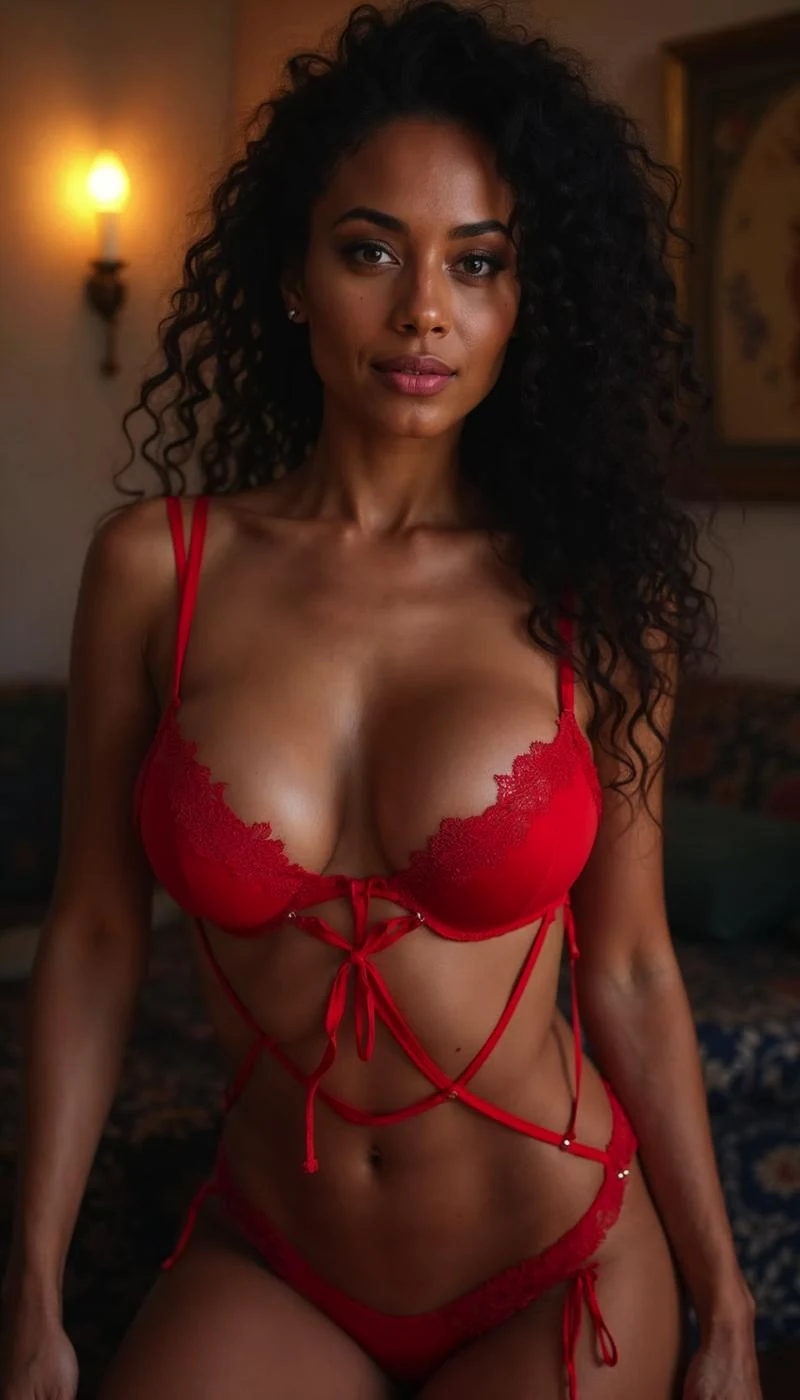 Rosa, 29Santo Domingo
 Gabrielle, 34Chicago
 Maddie, 33Nashville
 Hailey, 27Boston
 Dara, 24Manila
 Priyanka, 29Mumbai